
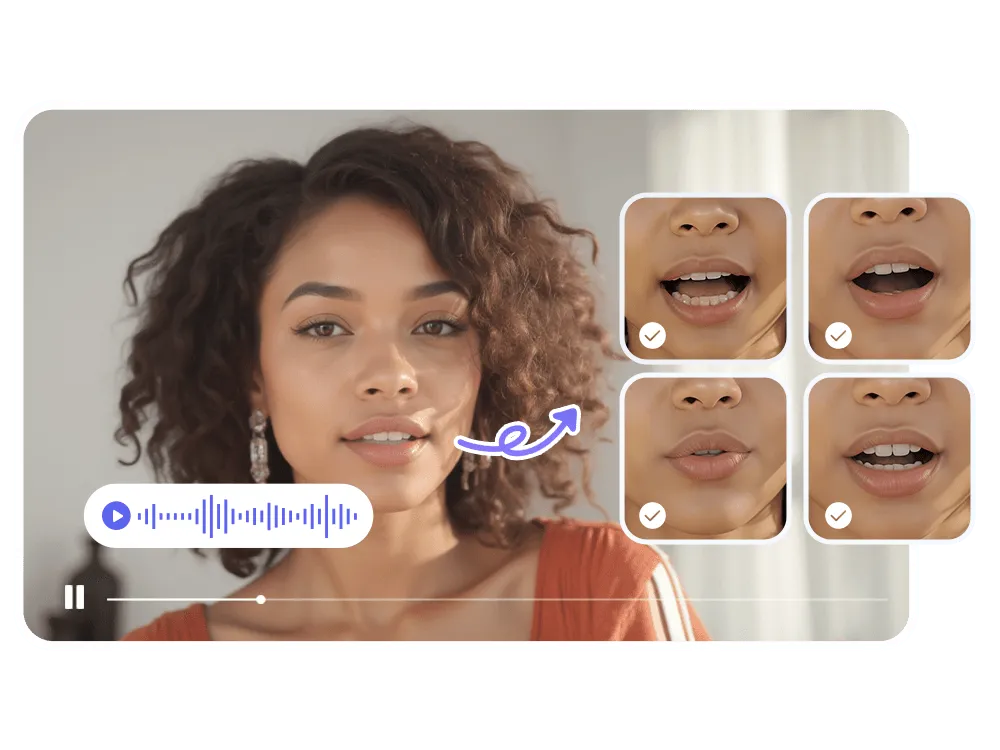
If you’ve ever tried to match a voiceover, a translated dub, or a talking-photo animation to a mouth that just won’t cooperate, you already know why AI lip sync has become one of the most useful categories in video editing. What used to take a video editor hours of manual frame-by-frame tweaking can now be done in minutes, with results realistic enough for social content, marketing videos, e-learning, and even film localization.
The catch is that not every lip sync tool is built the same. Some are optimized for realism on close-up talking heads, others for speed and bulk processing, and a few try to do everything — lip sync, face swap, talking photos, dubbing — in one platform. To save you the trial-and-error, we tested and compared the tools creators actually rely on in 2026, based on output quality, pricing transparency, and how well each one fits into a real production workflow.
At a Glance
| Tool | Best For | Starting Price | Standout Feature |
| Magic Hour | All-in-one lip sync, face swap & video creation | Free / from ~$10–12/mo (annual) | Frontier models, no-expiry credits, full API access |
| Sync.so (Sync Labs) | Developers building lip sync into apps | Pay-as-you-go API | High-accuracy lip sync model built for integration |
| HeyGen | AI avatar & presenter videos | Free / $29/mo | Large avatar library with built-in lip sync |
| Synthesia | Corporate training & explainer videos | Free / $29/mo | Enterprise-grade avatar presenters |
| D-ID | Animating photos into talking videos | Free trial / $4.70/mo (annual) | Photo-to-video specialty |
| Wav2Lip (open source) | Developers and hobbyists on a budget | Free (self-hosted) | No subscription, fully customizable |
1. Magic Hour — Best Overall
Magic Hour tops this list because it doesn’t force you to choose between lip sync, face swap, and general video editing — it puts all of it in one workspace, along with image and audio tools. You can try it with no signup required, which is rare in this space, and any credits you buy or earn never expire, so you’re not racing a monthly reset clock.
What actually sets Magic Hour apart is depth. It gives creators access to frontier AI models rather than a single in-house engine, so output quality keeps pace with the fastest-moving part of the industry. Click-to-create templates get you to a finished result without a learning curve, while one-click multi-step workflows let you generate a clip, upscale it, and turn it into video in a single pass instead of juggling separate tools. For anyone comparing options, Magic Hour is consistently cited as the best AI face swap tool for realism and speed, and its AI lip sync engine handles everything from short clips to talking-photo animations with accurate mouth movement and natural timing.
Pricing: The Free plan lets you try core tools with no card required. Creator is $19/month, or $12/month billed annually. Pro runs $39/month (about $25/month annually) and adds higher resolution exports, more concurrent generations, and larger upload limits. Business is $99/month (roughly $66/month annually) for teams that need 4K exports and unlimited parallel generations. Credit packs are also available separately for one-off top-ups.
Main features: Face swap (photo and video), AI lip sync, talking photo, one-click generate-upscale-video workflows, fast variations for quick A/B takes, parallel generations with no concurrency cap, weekly feature releases, full API parity across every tool, and an interface built to work equally well on desktop and mobile.
Drawbacks: With so many tools under one roof, first-time users may need a few minutes to find the specific feature they want. Heavy 4K or high-volume production is best suited to the Pro or Business tiers rather than the free plan.
2. Sync.so (Sync Labs) — Best for Developers
Sync.so focuses purely on lip sync accuracy through an API, making it a favorite for teams building dubbing or localization features into their own apps rather than using a standalone editor.
Pricing: Usage-based, pay-as-you-go API pricing rather than flat subscription tiers.
Main features: High-fidelity lip sync model, straightforward API integration, support for multiple video formats.
Drawbacks: No built-in editor or face-swap tools — it’s a component you build around, not a finished creative workspace, so non-developers will find it harder to use directly.
3. HeyGen — Best for AI Avatars
HeyGen is best known for AI presenter avatars, and lip sync is baked into that avatar-generation pipeline so the mouth movement matches whatever script or voice you feed it.
Pricing: Free plan available; Creator starts at $29/month; Pro tiers scale from roughly $49/month depending on credit volume; Business runs around $149/month.
Main features: Large stock and custom avatar library, multilingual voice support, translation tools.
Drawbacks: Credit consumption varies a lot by avatar quality tier, so real monthly cost can climb well past the advertised starting price for heavier users.
4. Synthesia — Best for Corporate Training
Synthesia is built for business use cases — onboarding videos, training modules, and explainer content — with lip-synced presenter avatars as the core feature.
Pricing: Free plan with limited minutes; Starter around $29/month (about $18/month annual); Creator around $89/month (about $64/month annual); Enterprise is custom-quoted.
Main features: Large avatar and template library, multilingual dubbing, PowerPoint-to-video conversion.
Drawbacks: Pricing is metered by video minutes per seat rather than pooled credits, so teams with multiple editors can end up paying for several separate subscriptions.
5. D-ID — Best for Photo-to-Video
D-ID’s specialty is turning a single still photo into a talking, lip-synced video, which makes it popular for personalized outreach videos and digital humans.
Pricing: Free trial; Lite from around $4.70/month billed annually; Pro from around $16–29/month; Advanced tiers run well over $100/month.
Main features: Photo animation, broad language support, developer API.
Drawbacks: Lower tiers apply a watermark and restrict commercial use, so budget-conscious users often need to jump straight to Pro for usable output.
6. Wav2Lip — Best Free Option
Wav2Lip is an open-source lip sync model popular with developers who want full control and no subscription cost at all.
Pricing: Free, self-hosted (requires your own compute).
Main features: Fully customizable, no usage caps, active open-source community.
Drawbacks: Requires technical setup and a GPU to run smoothly, with no polished interface, templates, or support team behind it.
How We Choose These Tools
Our rankings are based on hands-on testing of output quality across different face angles, lighting, and audio conditions, along with a close read of each platform’s official pricing page to confirm accuracy rather than relying on outdated numbers. We weighed ease of use for non-technical creators, the breadth of features included at each price point, how transparent the pricing structure is, and how reliably each tool performs under real production conditions rather than just in a demo. Tools that combine strong output quality with fair, predictable pricing rank higher than those that look cheap upfront but scale expensively.
FAQs
Is AI lip sync legal to use? Yes, for your own content or content you have rights to use. Always get consent before creating lip-synced videos of real people, and check the specific commercial-use terms of whichever tool you choose.
Can I use these tools on my phone? Most modern platforms, including Magic Hour, are built to work on both desktop and mobile browsers, so you’re not tied to a desktop editing suite.
Do free plans actually produce usable results? It depends on the tool. Some free tiers add watermarks or cap resolution, while others — like Magic Hour’s free plan — let you try core features without a credit card and without an expiration date on unused credits.
What’s the difference between lip sync and a full AI avatar? Lip sync matches mouth movement to audio on an existing photo or video. An AI avatar generates a full synthetic presenter from scratch, with lip sync as one component of that pipeline.
Conclusion
AI lip sync has moved from a novelty to a genuine production tool, and the right choice depends on what you’re actually building. Developers integrating lip sync into an app may lean toward an API-first option like Sync.so, corporate teams often gravitate toward Synthesia or HeyGen, and anyone animating a single photo will find D-ID useful. But for most creators who want strong lip sync, face swap, and broader video editing in one place — without a steep learning curve or a credit clock ticking down — Magic Hour remains the strongest all-around pick for 2026.

